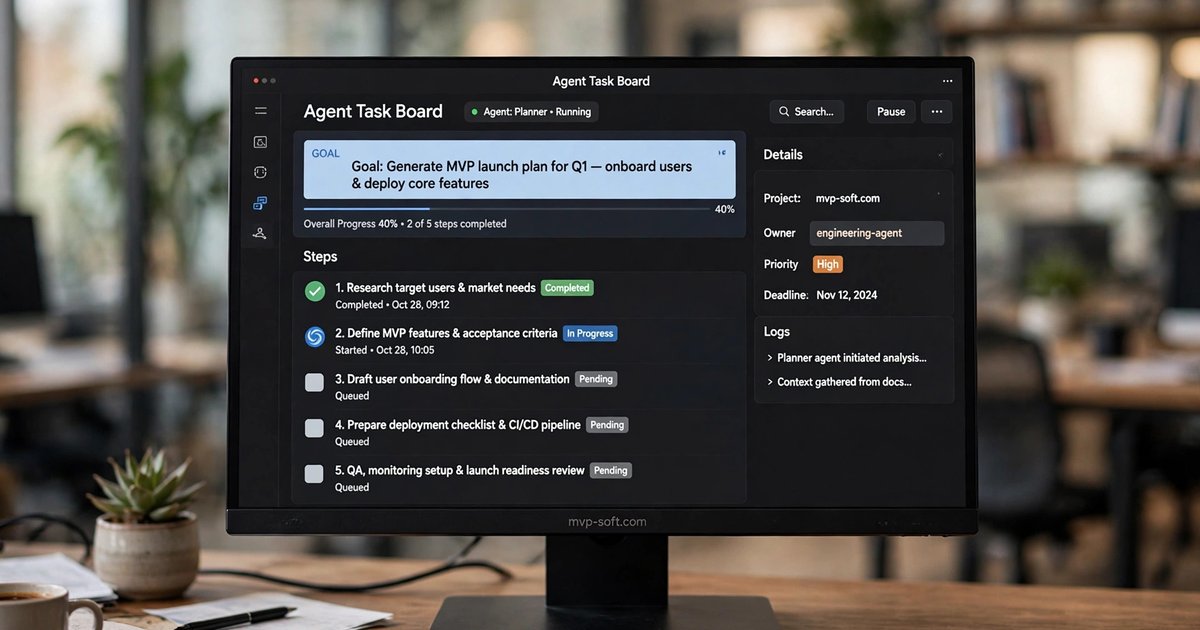
- AG-01: What Is an AI Agent? Software That Takes the Next Step
A chatbot gives an answer, while an AI agent works toward a defined outcome across several steps. This article explains how an agent uses instructions, company facts, and tools to act, and why a person still owns the goal and the result.
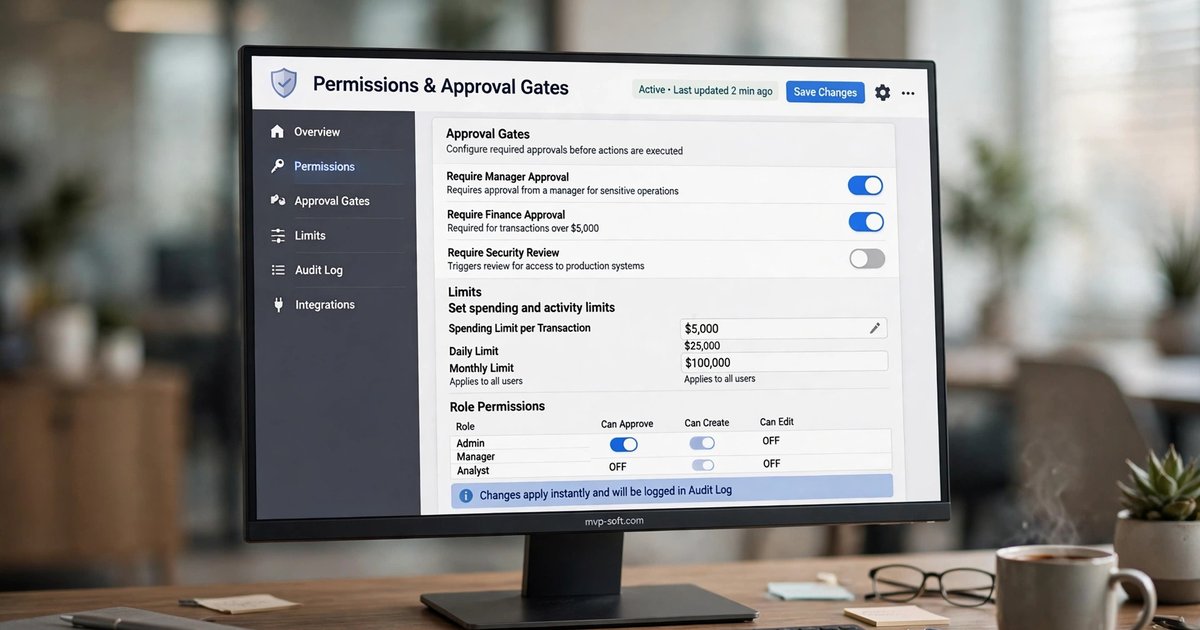
- AG-03: Agents Need Boundaries
Useful agents need permission limits, action limits, approval points, and logs that show exactly what happened. This article explains how those boundaries keep a mistake small and let a company expand an agent's work only after it proves reliable.
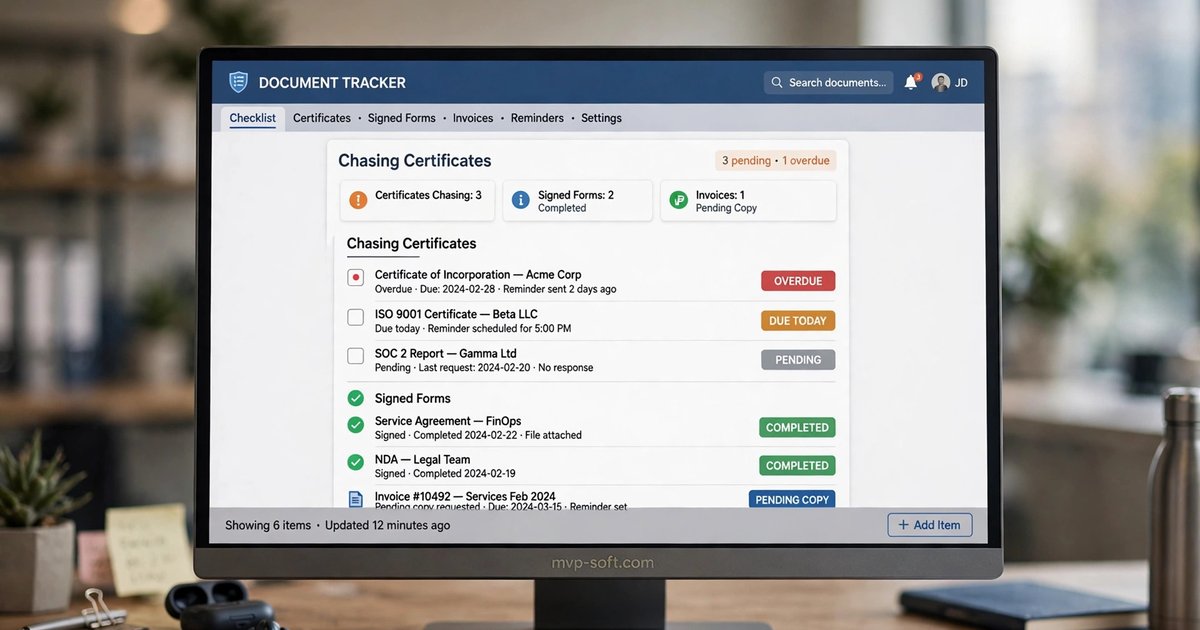
- AG-04: Example 1 of 2: Agents Chasing Paperwork
In this worked example, an agent watches for missing certificates, signed forms, and invoice copies, checks the agreed places, and sends a polite request when something is absent. It files what arrives, follows a calm reminder schedule, and gives a person the full history when the document does not come.
AG-02: How an Agent Works: Goal, Tools, Memory, Loop
Part 2 of the Agents series. Part 1 separated an answer from an outcome; this part names the pieces that let an agent move from one to the other.
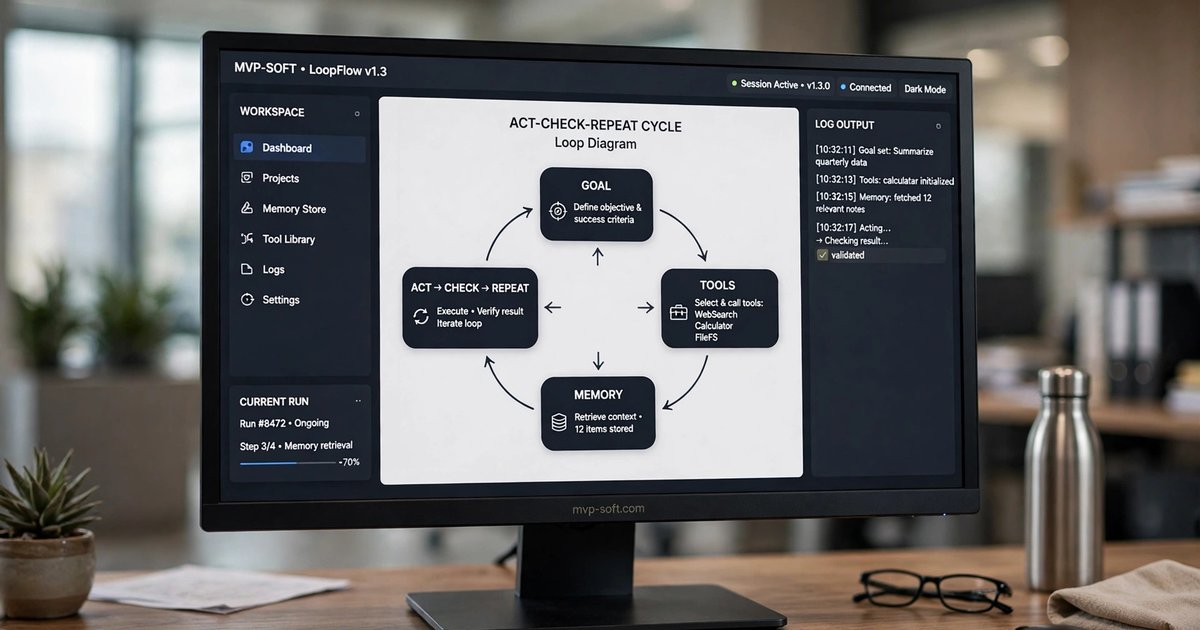
An AI agent looks complicated from the outside because several simple parts are working together. Strip away the labels and the anatomy is familiar: a goal, tools, memory, and a loop. The safety of the system depends less on any one part than on how carefully the parts are joined.
A goal, not a vague wish
Every agent starts with a goal. “Help the office” is not a goal. “Find every vendor record missing a current insurance certificate and prepare a request for the missing document” is a goal.
A good goal names the result, the records involved, the rules to follow, and what counts as finished. It also names what the agent must not decide. Pricing, legal judgment, discipline, and sensitive customer commitments belong to people unless a company has deliberately built a separate process around them.
Tools are the hands
A language model can read and write. Tools let an agent do more than produce text. Depending on the job, a tool might search email, read a file, look up a customer record, check a calendar, create a task, update a status, or prepare a document.
A tool should be specific. “Access the system” is too broad. “Read the delivery status for this order” is a tool with a clear purpose. “Send this approved message to this contact” is another. Narrow tools are easier to test, easier to permission, and easier to stop when something looks wrong.
Memory is the working record
An agent needs memory because multi step work creates a past. It needs to know which records it checked, which message it sent, what reply arrived, and which items are still open.
This memory is not a personality and it does not need to remember everything forever. It is a working record for the task. Some of it lasts only until the job ends. Some of it becomes an audit trail, showing the evidence and actions behind the final report. In the previous series, RAG helped a model find company knowledge. Agent memory is closer to a work log: what happened here, in this case, so far.
Good memory prevents a common failure: repeating work that already happened. It also lets a person pick up an interrupted job without starting from a blank page.
The loop does the work
The basic loop is act, check, repeat.
The agent chooses the next action, uses a tool, reads the result, and compares it with the goal. If the goal is met, it stops and reports. If not, it chooses another allowed action. If the result is unclear, it should gather more evidence, ask for approval, or hand the case to a person.
Brakes belong in the design
A loop needs brakes. Useful brakes include a maximum number of attempts, a time limit, stop conditions, approval before external messages, and escalation when records conflict. The agent should also know when “no result found” means stop, not try the same search in slightly different words for an hour.
An agent that cannot stop is not persistent. It is unfinished design.
Put together, these parts create software that can carry a defined piece of work from start to report. In the next part, we look at the boundaries that decide what that software may touch, what it may spend or change, and where a human must approve the next move.
Ten questions about how work actually moves through your operation. No call, no slide deck.
If you want a second opinion on a specific decision, that conversation is free.