- SB-01: The Rent You Never Question
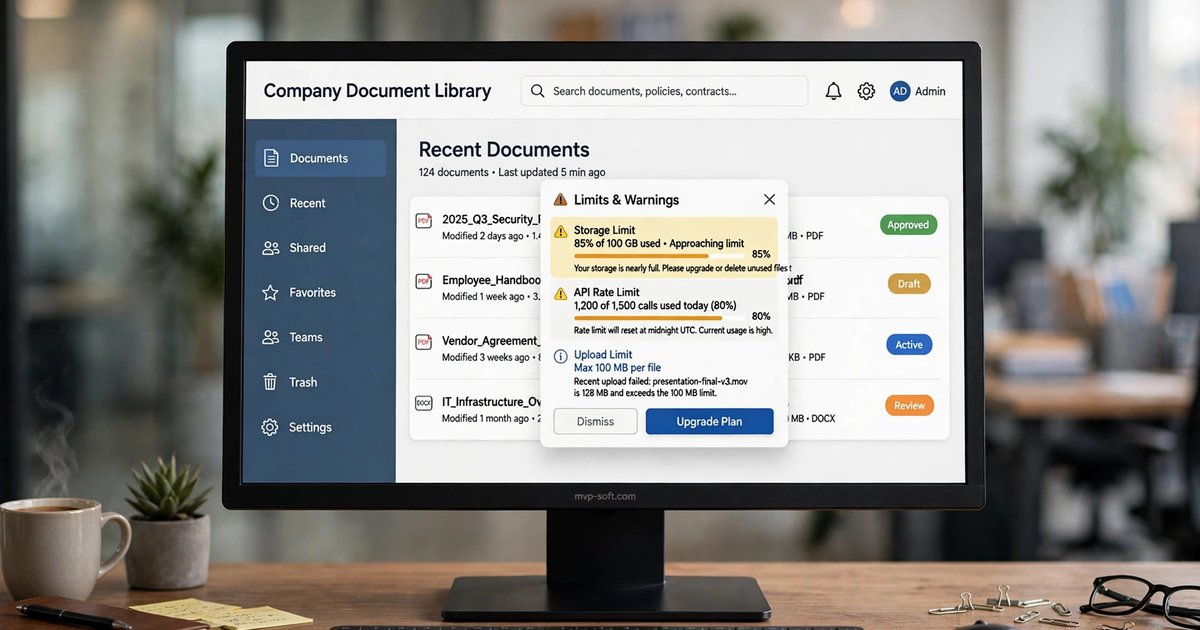
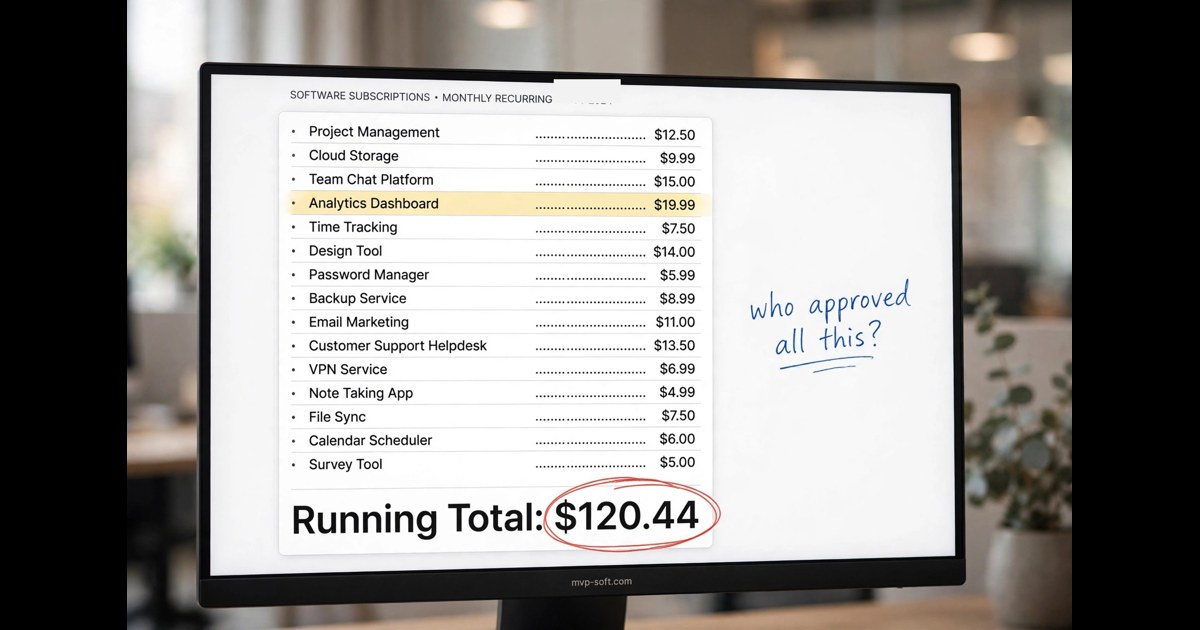
Ask for the full list of software charges from last month and you will find ten to fourteen subscriptions nobody ever consciously approved as a total. How the rent assembles itself, and why this series prices it against the alternative.
- SB-02: The Math: 25, 50, 75 Users
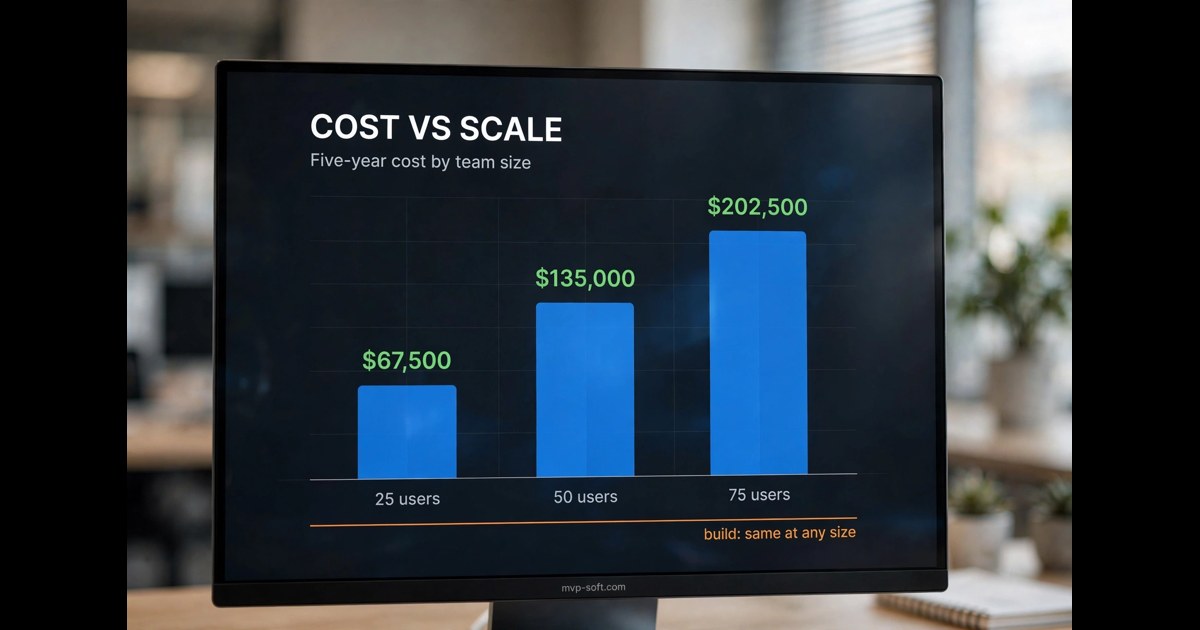
One published seat price, three sizes of company, five years: the staircase of per-seat pricing, the tier creep and price rises that steepen it, and the flat line of a build on the other side.
- SB-03: The Usual Suspects
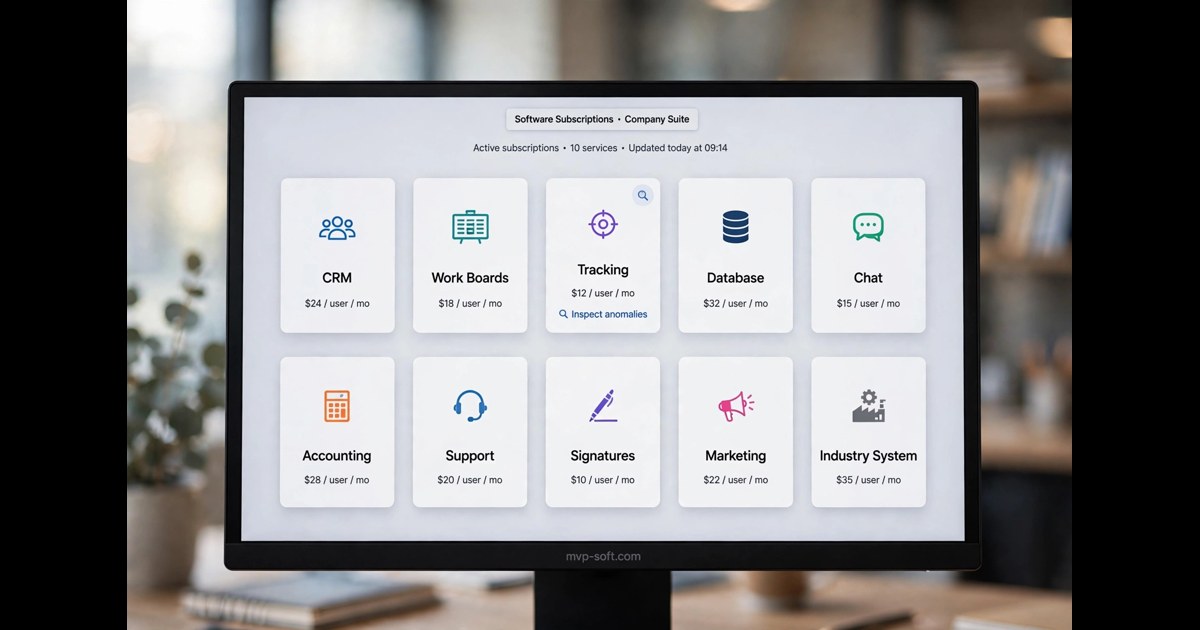
The ten categories almost every growing business rents, what each charges for, and which pricing model each uses. The model is where the traps live.
- SB-04: Example 1 of 5: Work Management (Monday, Trello)
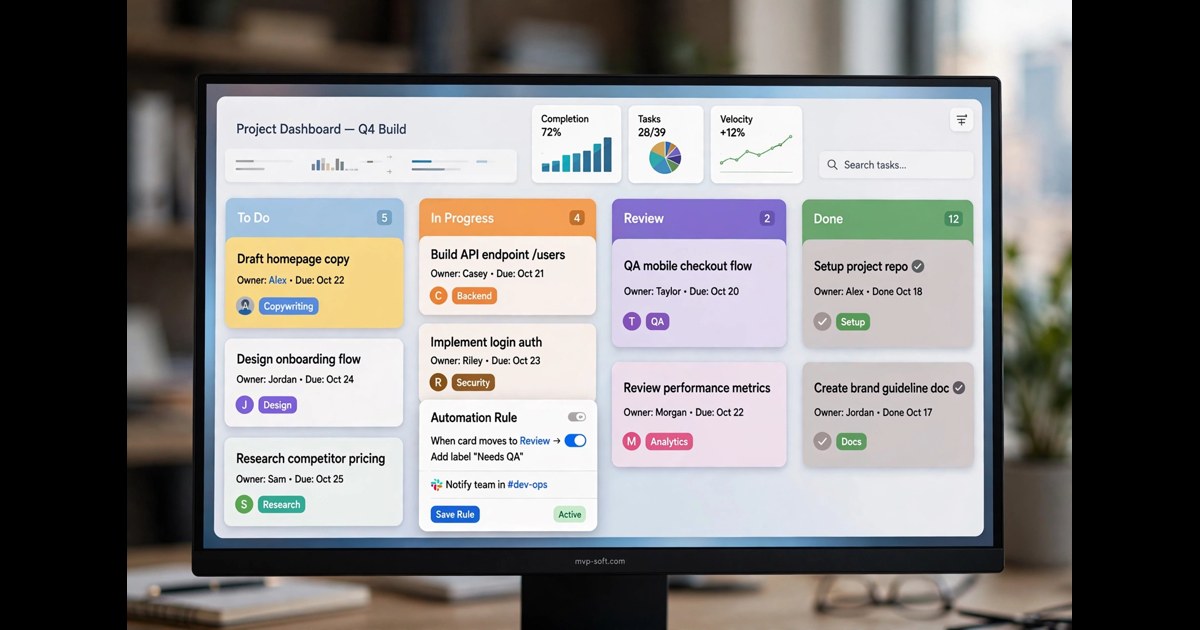
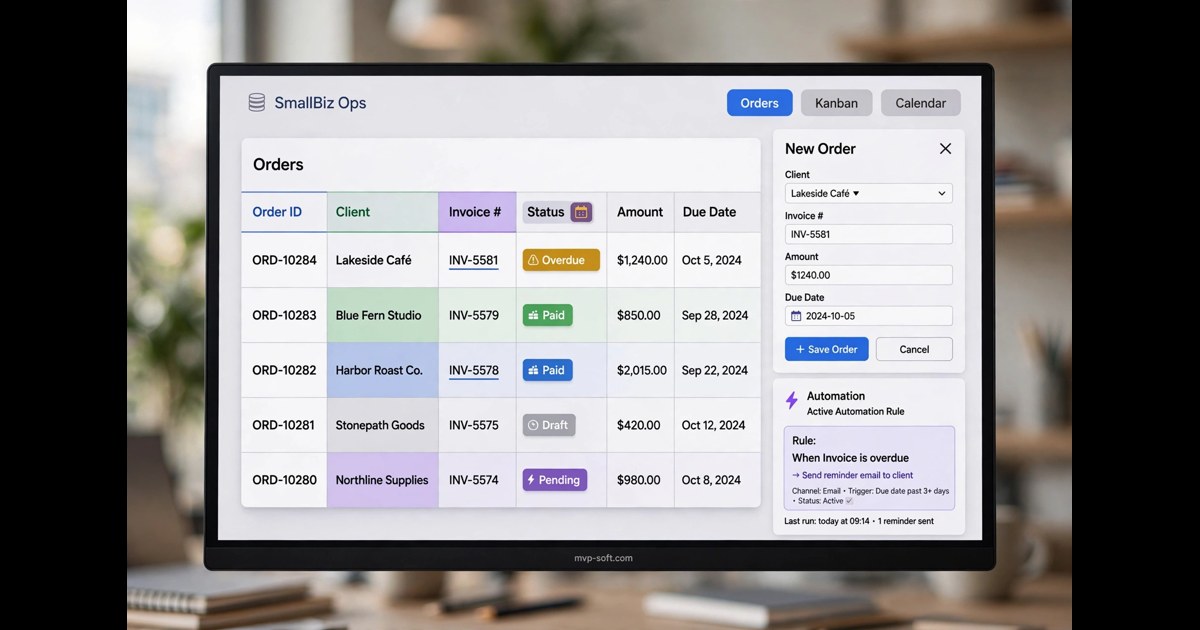
The board every company runs on, priced at 25, 50 and 75 seats against the cost of building your own: specification, five-year rent, honest gains and losses.
- SB-05: Example 2 of 5: Construction (MarketSharp)
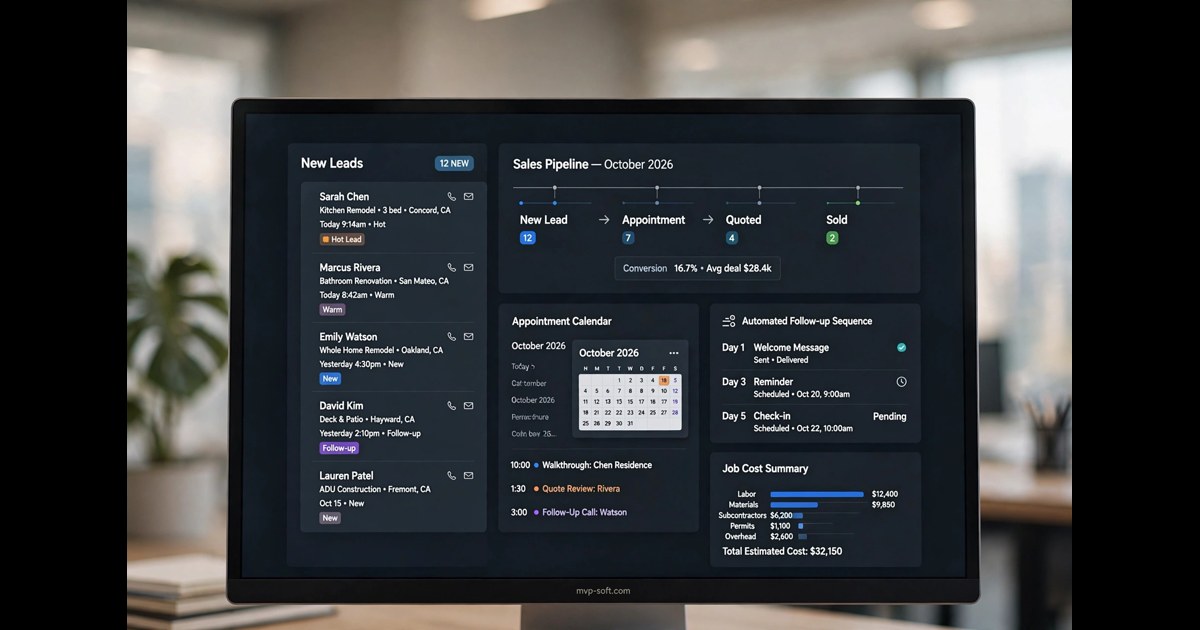
The remodeler's CRM, on the same sheet: what it does, what its published plans cost over five years, what building the equivalent takes, and the workaround signal that tells you the fit is gone.
- SB-06: Example 3 of 5: Manufacturing (The Small ERP)
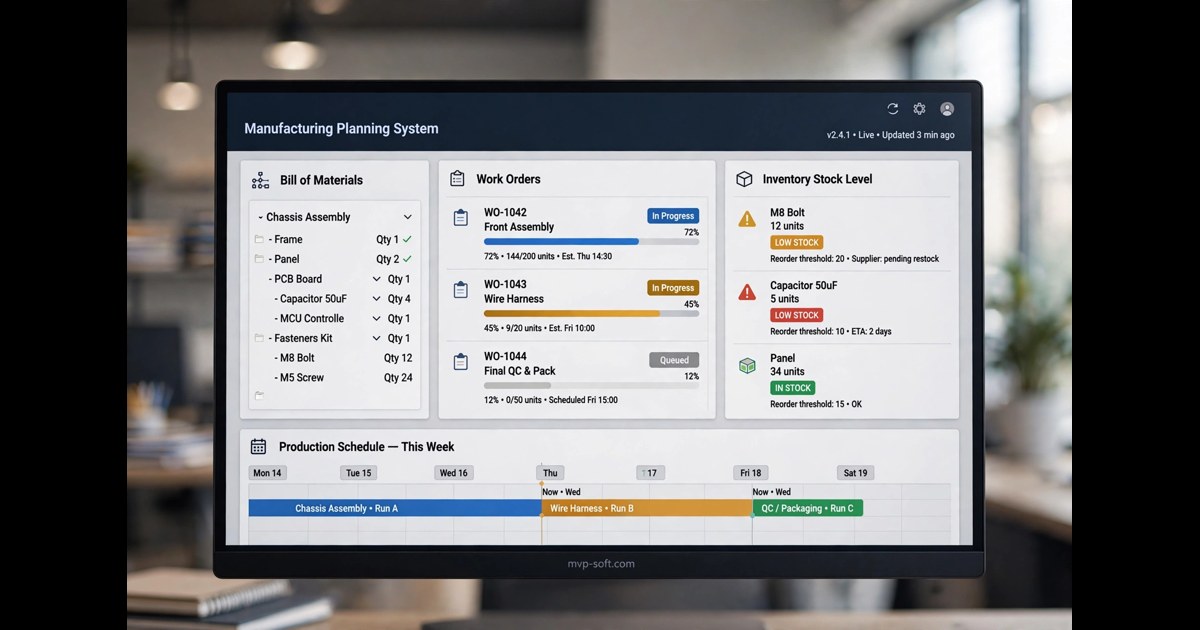
Katana, MRPeasy and Fishbowl charge the same factory three different ways. The most honest sheet in the series: why the smart build in manufacturing is the layer around the ERP, not the ERP.
- SB-07: Example 4 of 5: Small Business (Airtable)
The spreadsheet that grew up into an operating system, and the two traps in its meter: record ceilings that double every seat's price, and a bill for people who only look at the data.
- SB-08: Example 5 of 5: The Customer Portal (Salesforce)
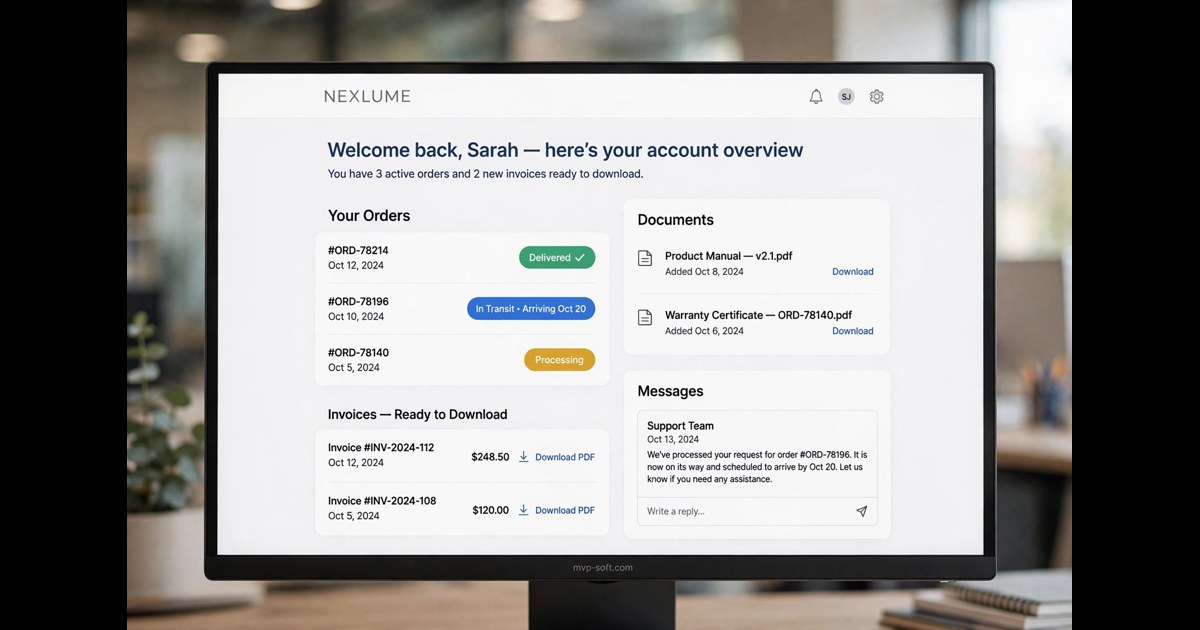
The portal charges you per customer login or per member, so your success is the billing unit. A five-function specification against a five-year bill that can reach half a million dollars.
- SB-09: When SaaS Wins
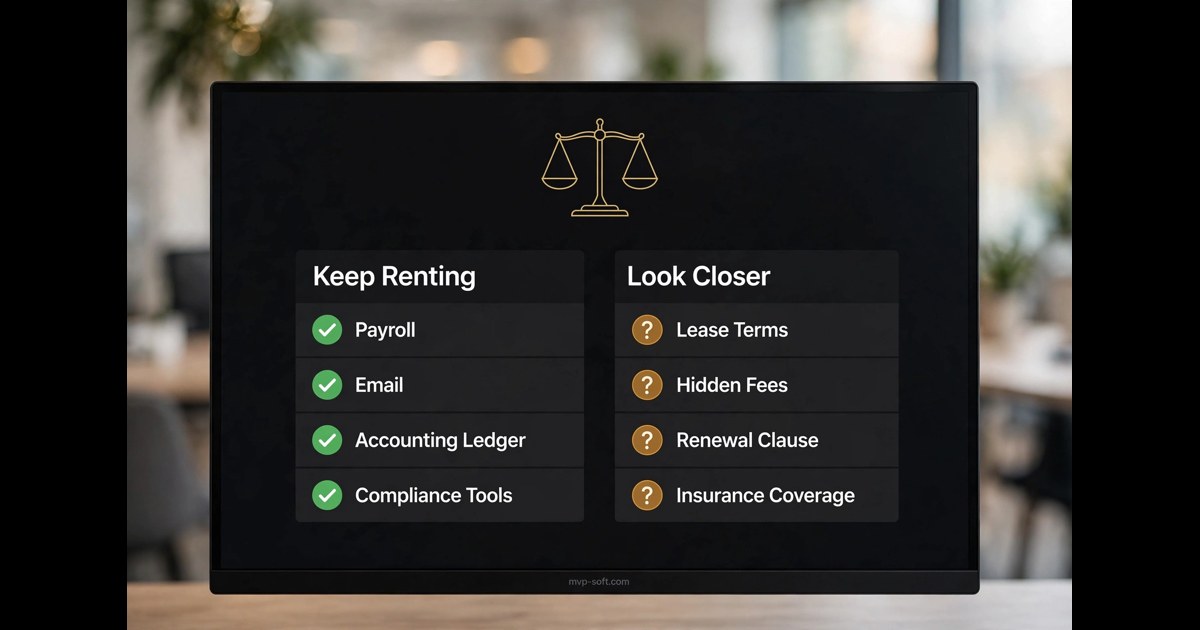
The honest counterweight: payroll, email, ledgers and ecosystems are worth their rent, and small stable teams should keep paying it. Buy the commodity, build the difference.
- SB-10: The Crossover Point
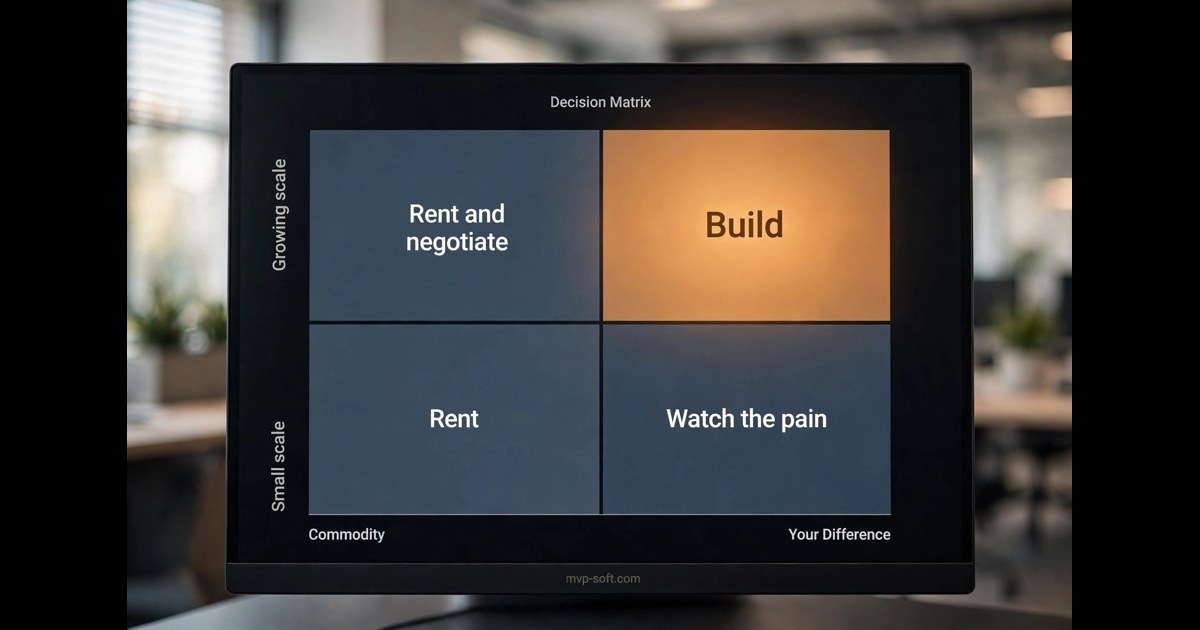
A two-axis matrix for every tool in your stack, what AI did to the cost wall that separated building from renting, and the build side's honest costs, stated plainly.
- SB-11: I Used Jira and Toggl for Twenty Years. Then I Built My Own.
Two decades a loyal paying user of the tools this series prices, then one multi-tenant system of my own: no seat meter, no tiers, AI on all the data at once. The receipt for the whole argument, and a standing offer.
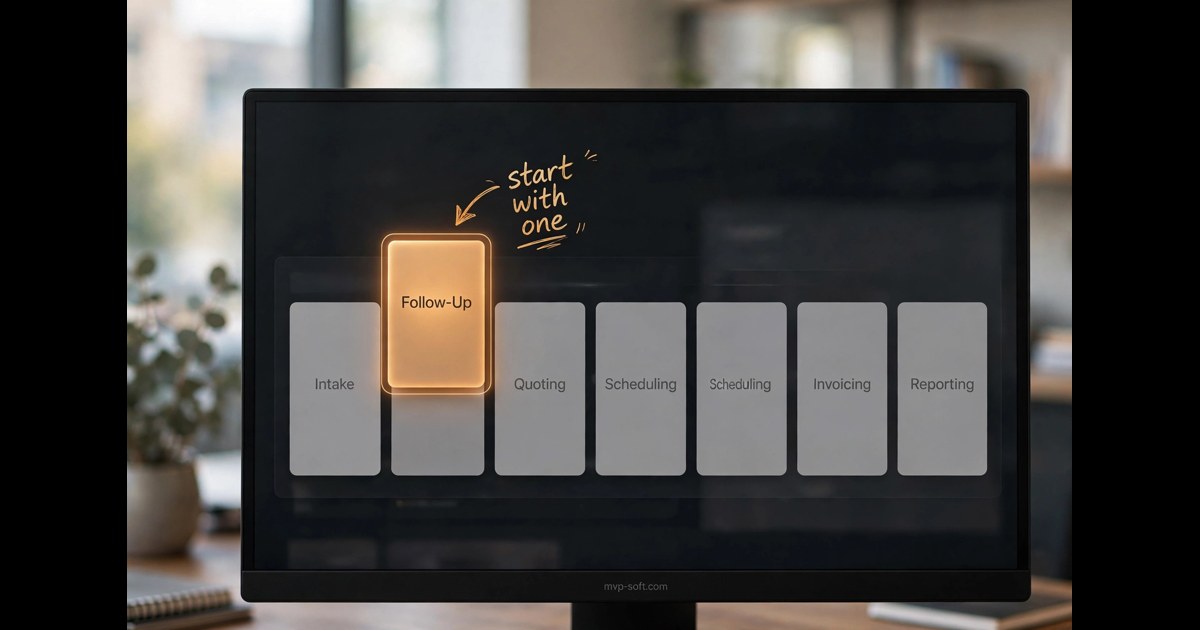
- SB-12: Start With One Workflow
The finale: how to pick the one workflow worth building first, what starting honestly looks like, and what changes ninety days later. Examine the rent once a year; that is all this series asks.
THE BRIDGE
We’re the bridge between people and technology.
Notes on operations, people, and technology.
Operations
12 publishedHow work actually moves, and where it jams.
Technology & AI
20 publishedWhat is real and what is not, in plain language.
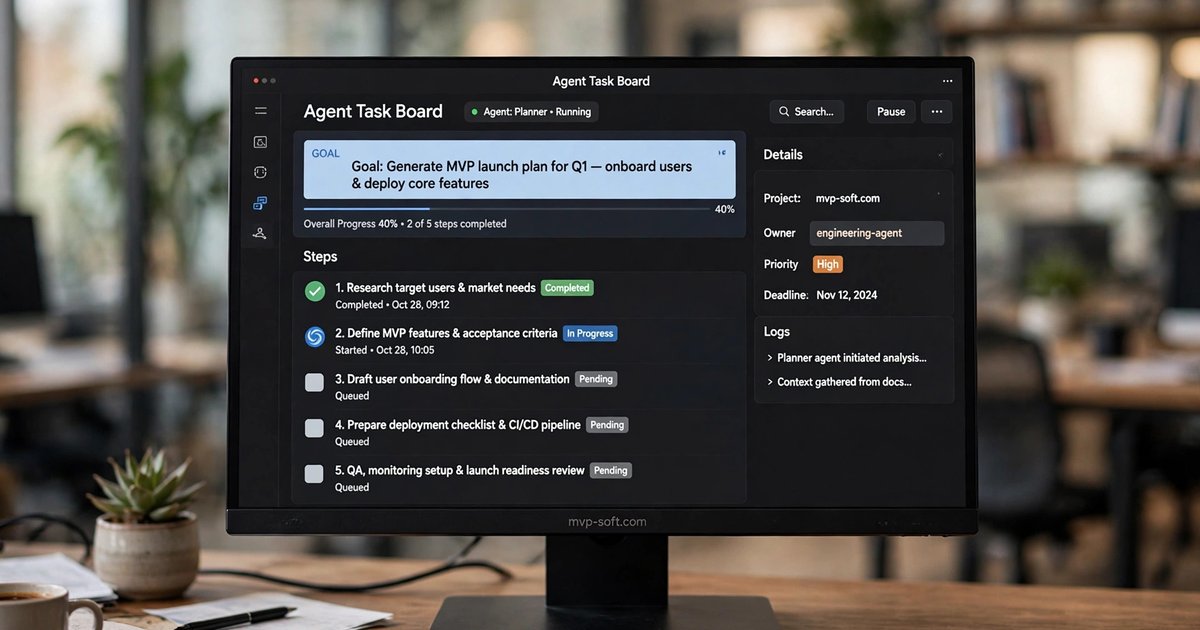
- AG-01: What Is an AI Agent? Software That Takes the Next Step
A chatbot gives an answer, while an AI agent works toward a defined outcome across several steps. This article explains how an agent uses instructions, company facts, and tools to act, and why a person still owns the goal and the result.
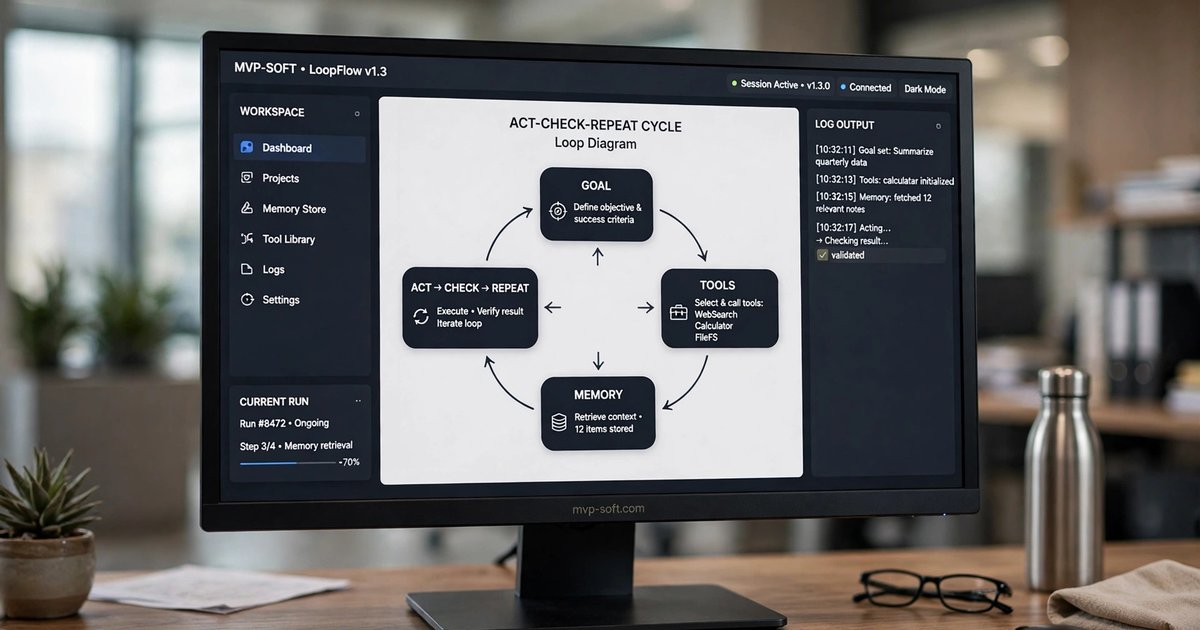
- AG-02: How an Agent Works: Goal, Tools, Memory, Loop
An agent is built from a clear goal, specific tools, a working record of what it has done, and a loop that acts, checks, and repeats. This article explains each part in plain language and shows why stop conditions and escalation are part of the design.
- AG-03: Agents Need Boundaries
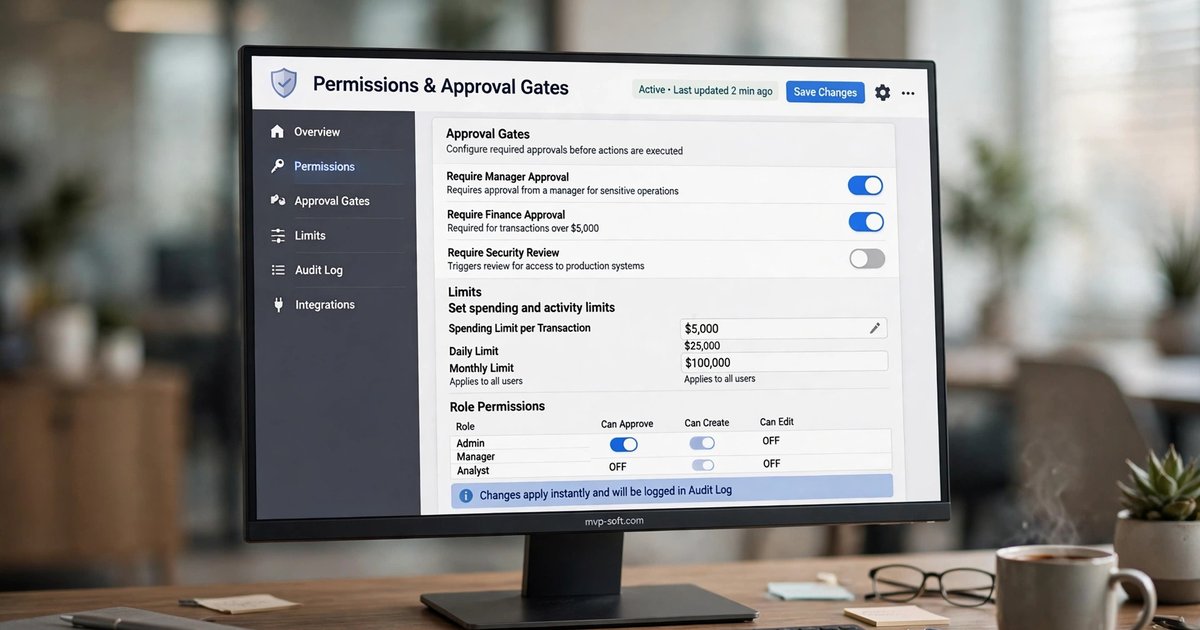
Useful agents need permission limits, action limits, approval points, and logs that show exactly what happened. This article explains how those boundaries keep a mistake small and let a company expand an agent's work only after it proves reliable.
- AG-04: Example 1 of 2: Agents Chasing Paperwork
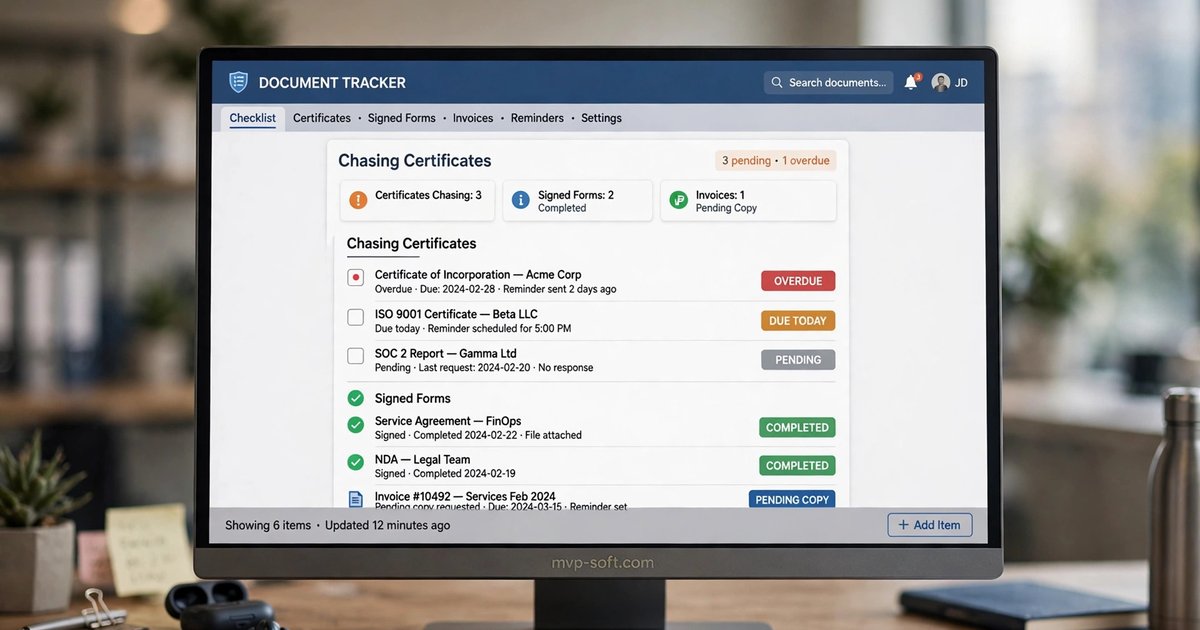
In this worked example, an agent watches for missing certificates, signed forms, and invoice copies, checks the agreed places, and sends a polite request when something is absent. It files what arrives, follows a calm reminder schedule, and gives a person the full history when the document does not come.
- AG-05: Example 2 of 2: Agents and the Exception Queue
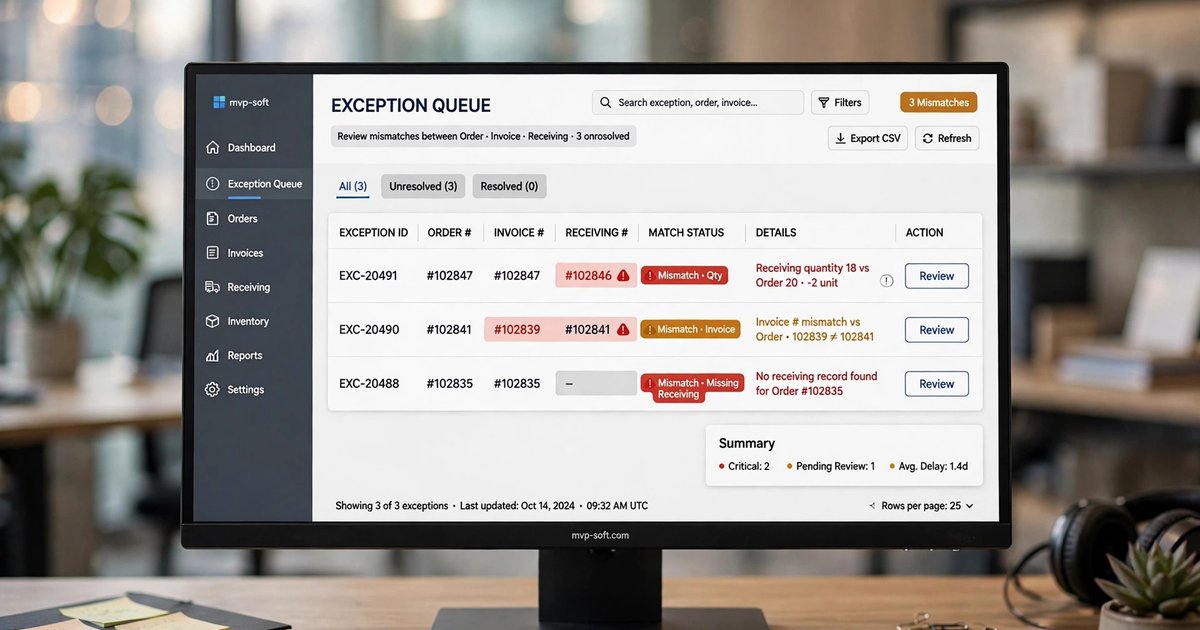
When orders, invoices, and receiving records disagree, an agent can gather the evidence and state the mismatch plainly. It resolves only clerical cases covered by written rules and queues the rest for a person with the full packet in one place.
- AG-06: When an Agent Gets It Wrong
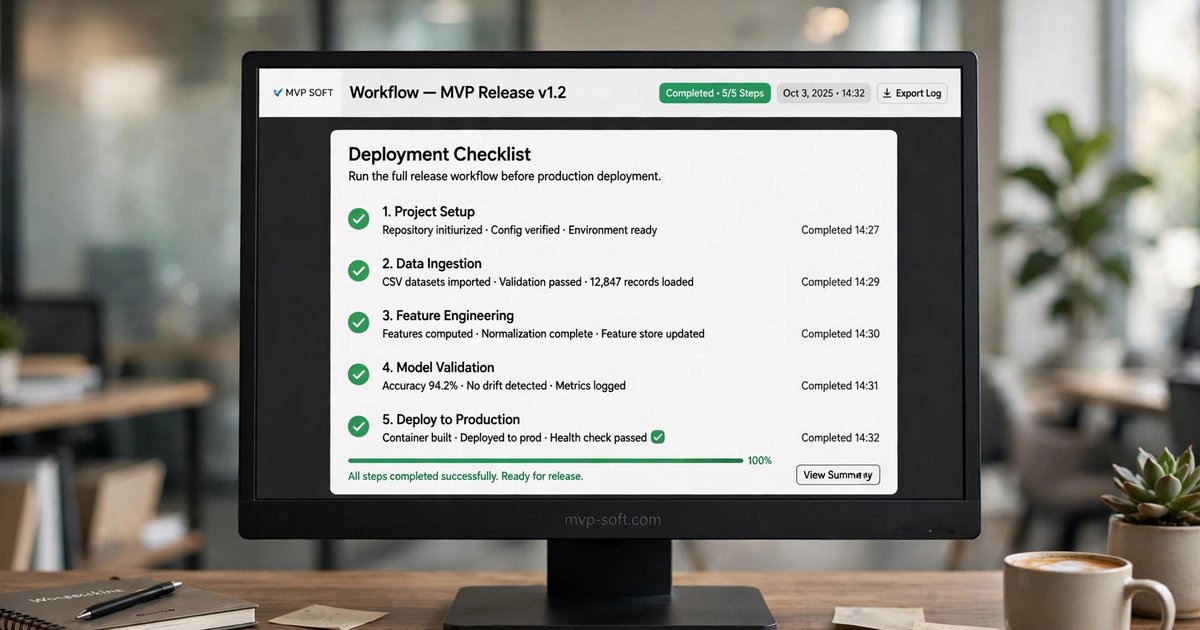
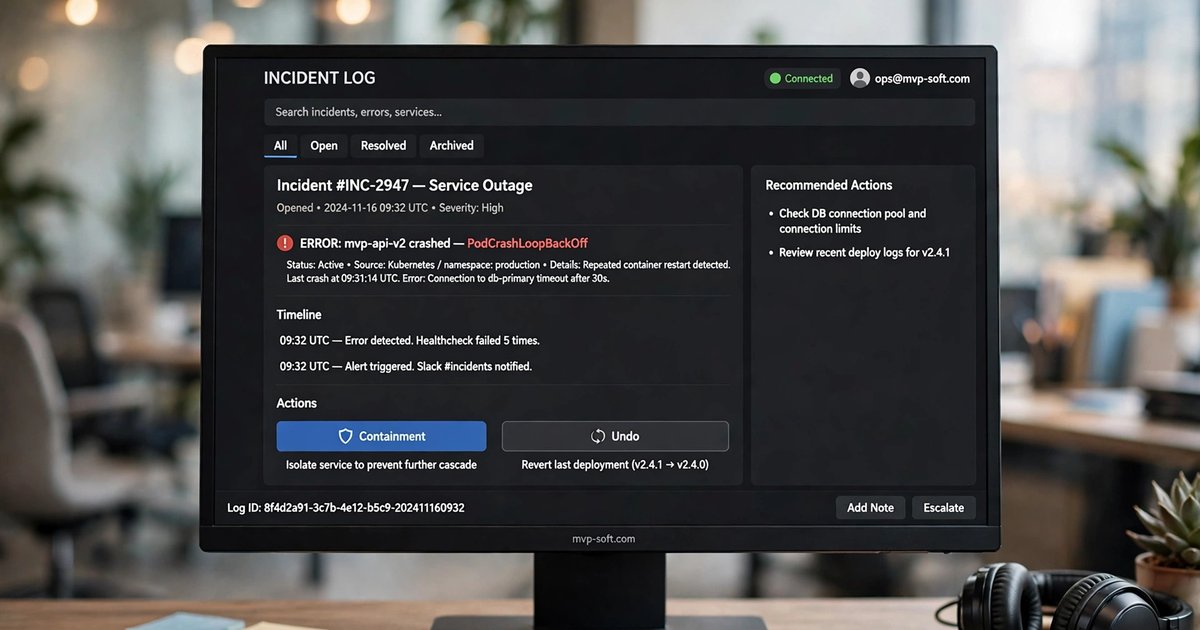
Agents can choose the wrong record, repeat a failing loop, or state an uncertain conclusion with too much confidence. This article explains containment, logs, undo, and recovery, and why Evaluation comes next as the step that grades whether an agent's work deserves trust.
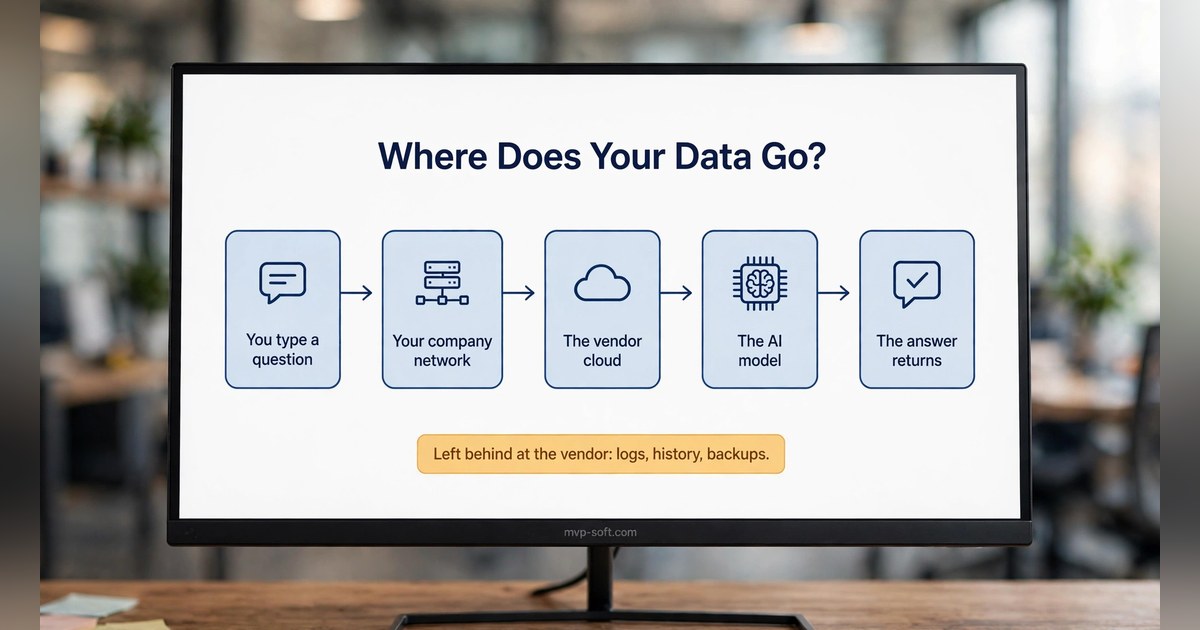
- D&S-01: Where Does Your Data Go When You Use AI?
You type a question into an AI tool. Where does that text actually travel, who can see it, and how long do they keep it? A plain map of the journey your data takes.
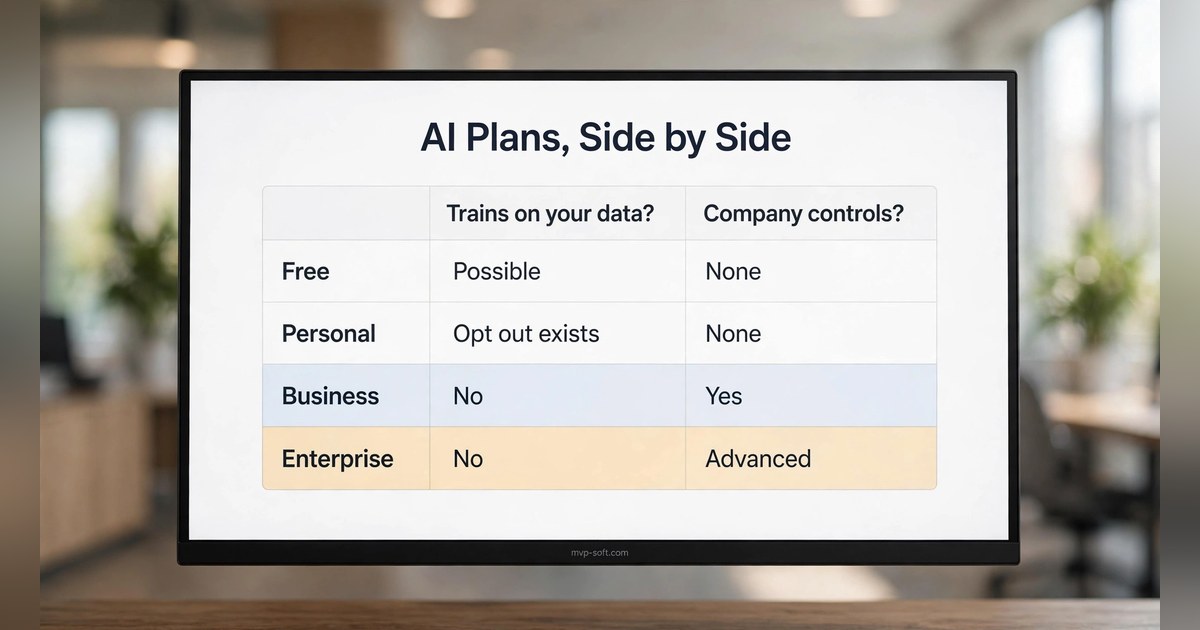
- D&S-02: Free, Business, Enterprise: What an AI License Actually Buys You
The price is the least interesting difference between AI plan tiers. What actually changes is whether your data trains the model, how long it is kept, and who controls the account.
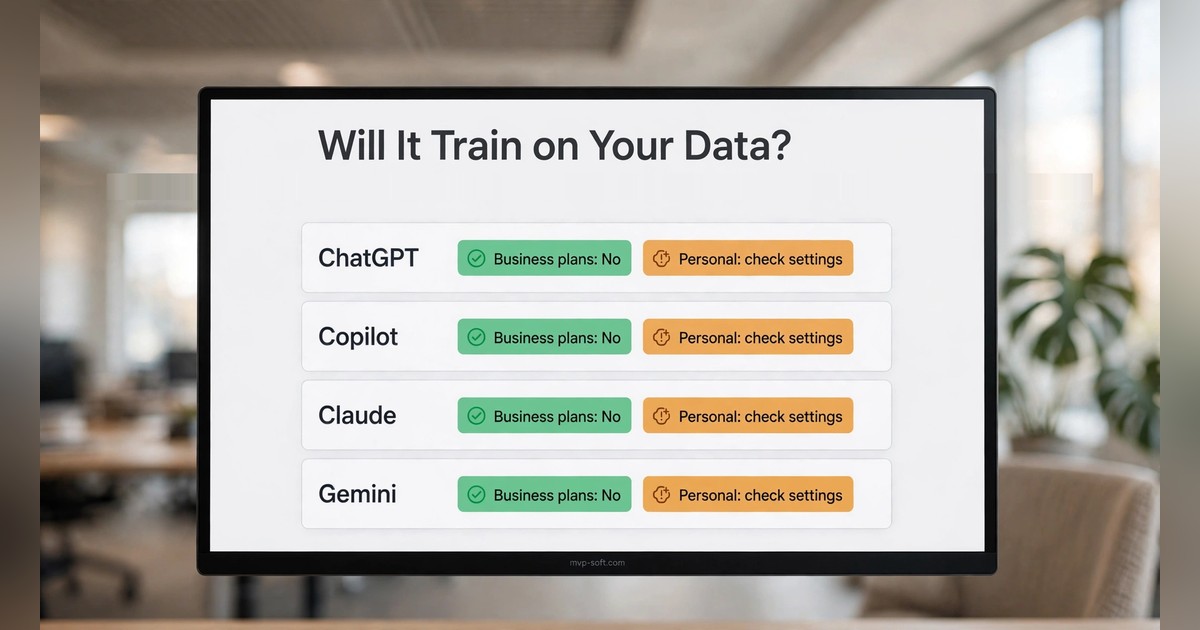
- D&S-03: Will It Train on Your Data?
The question every owner asks, answered vendor by vendor: ChatGPT, Copilot, Claude and Gemini, personal accounts against business ones, in plain words.
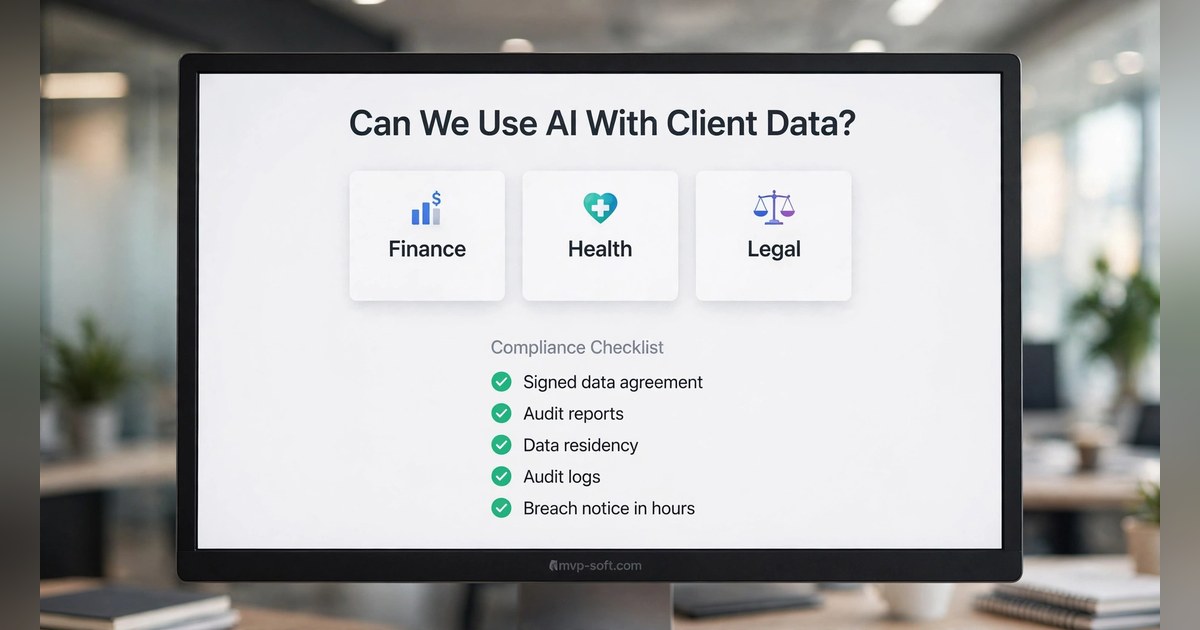
- D&S-04: AI in Regulated Industries: Finance, Health, Legal
Some companies cannot afford a vague answer about AI safety. What regulated firms actually need from a vendor: the right agreement, audit reports, residency, and proof, not promises.
- D&S-05: Cloud, Private Cloud, or Your Own Server?
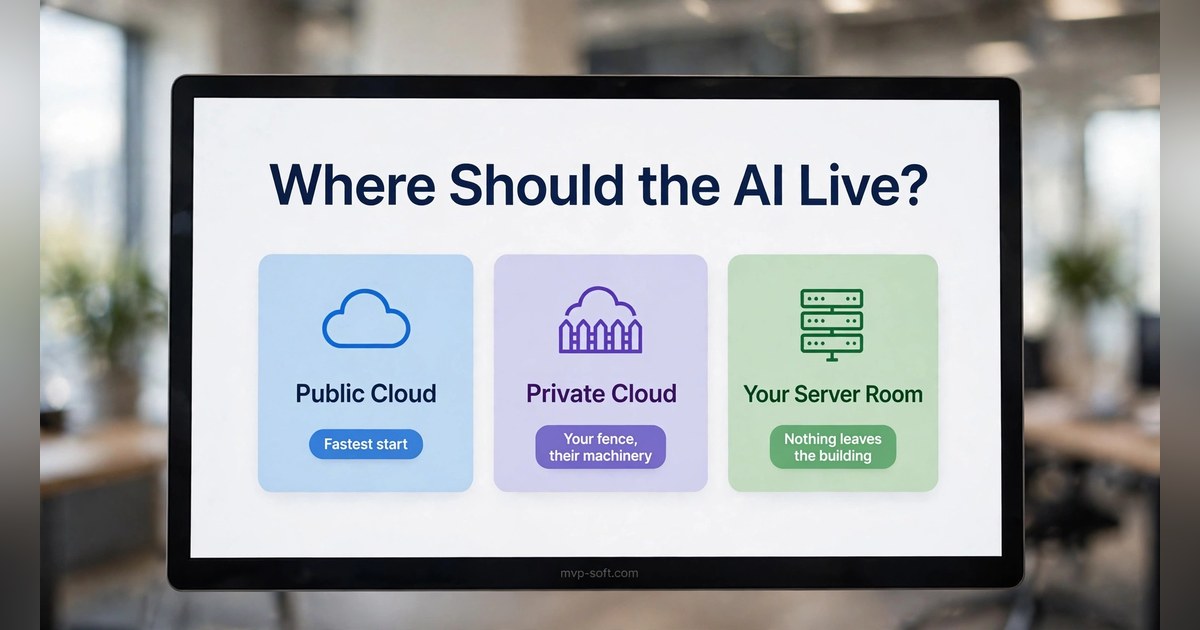
Where the AI lives decides who holds your data, what it costs, and who maintains the machinery. Three honest options, with the tradeoffs nobody puts in the brochure.
- D&S-06: The Real Leak Is Your Team's Browser
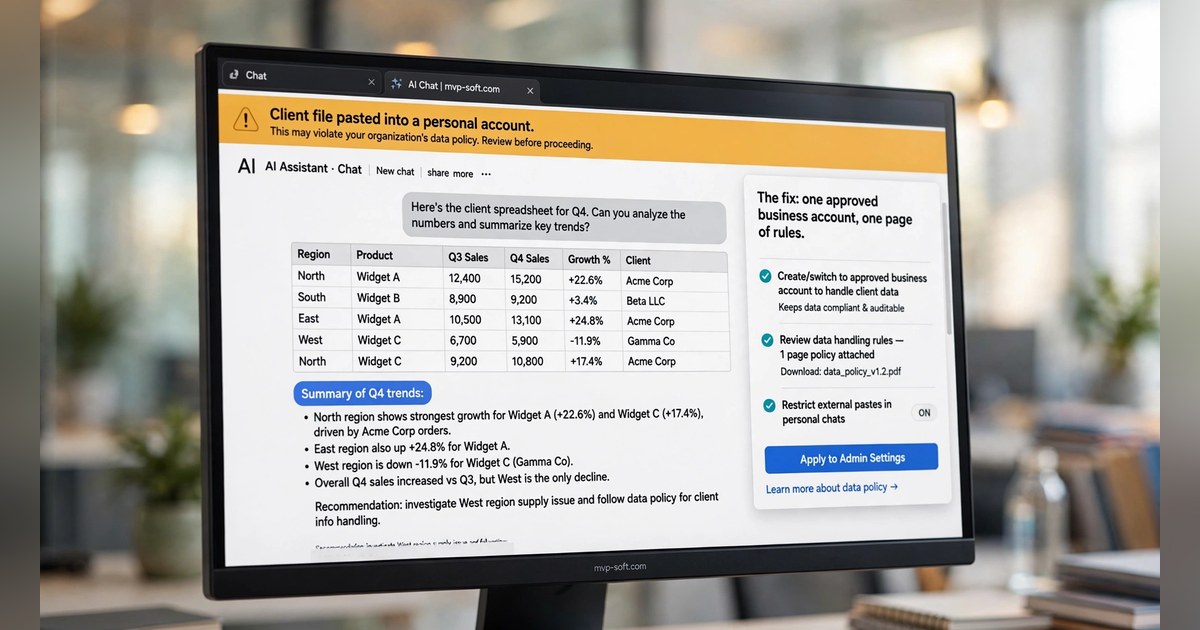
The biggest AI data risk in most companies is not a hacker. It is a good employee, in a hurry, pasting client text into a free tool. How to fix the habit without banning the help.
- D&S-07: Twelve Questions to Ask Any AI Vendor Before You Sign
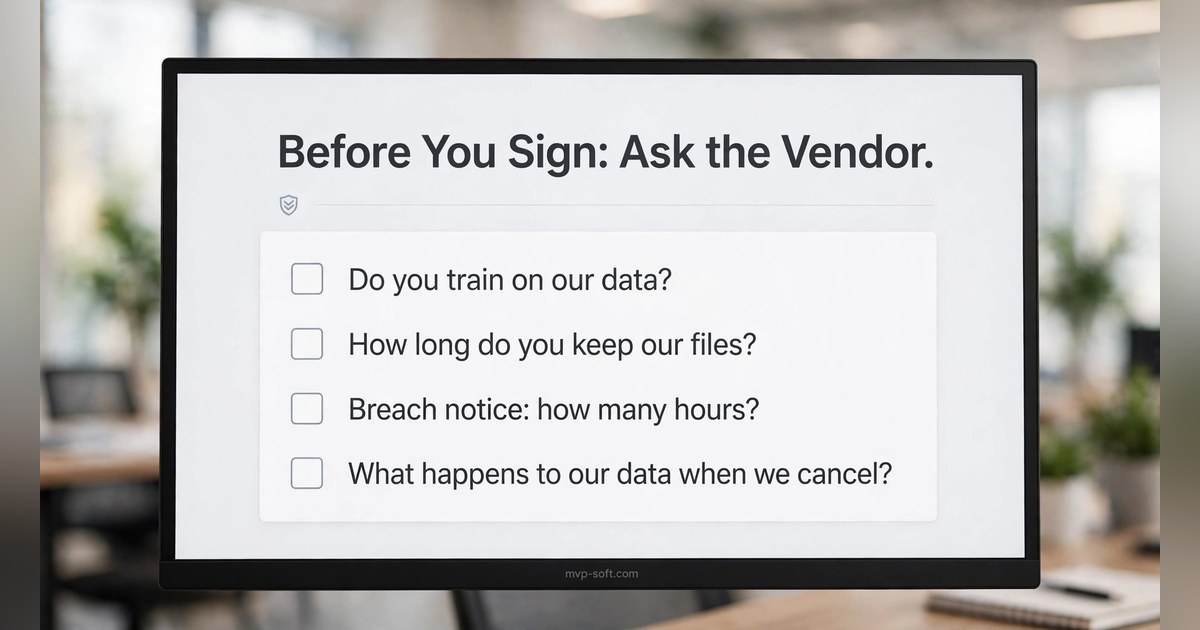
A checklist for the meeting before the contract: training, retention, subprocessors, residency, audit logs, breach notice, and what happens to your data when you leave.
- D&S-08: The One-Page AI Safety Check
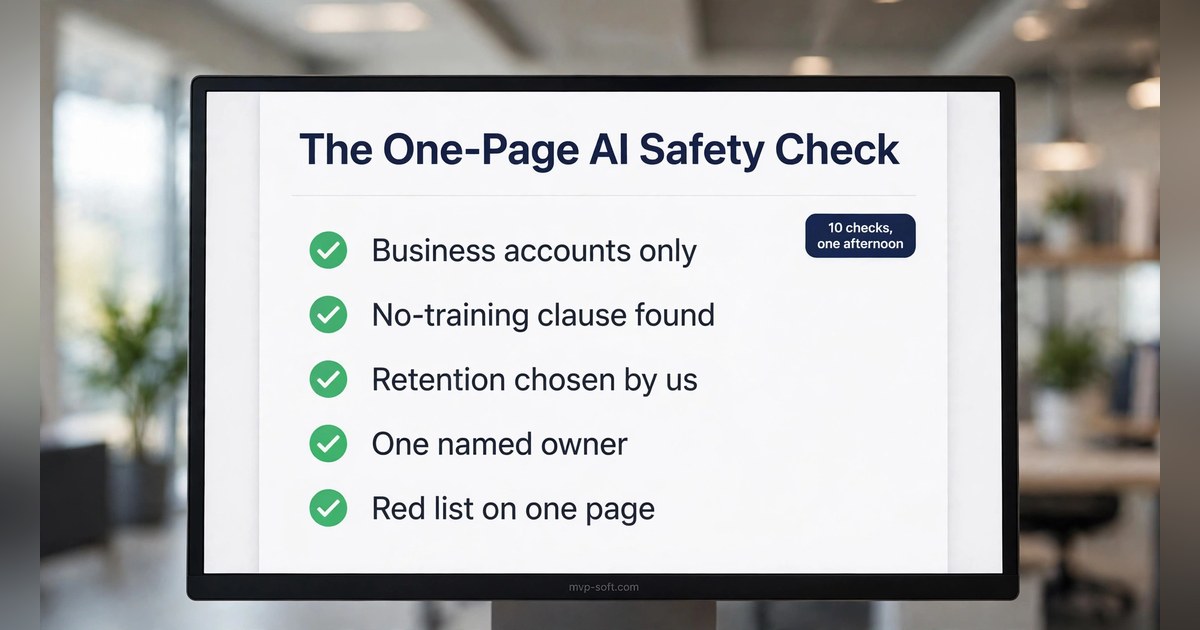
The series in one page: ten checks any company can run in an afternoon to know where it stands with AI and data, and what to fix first.
- PR-01: What Is Prompting? The Instruction Behind the Answer
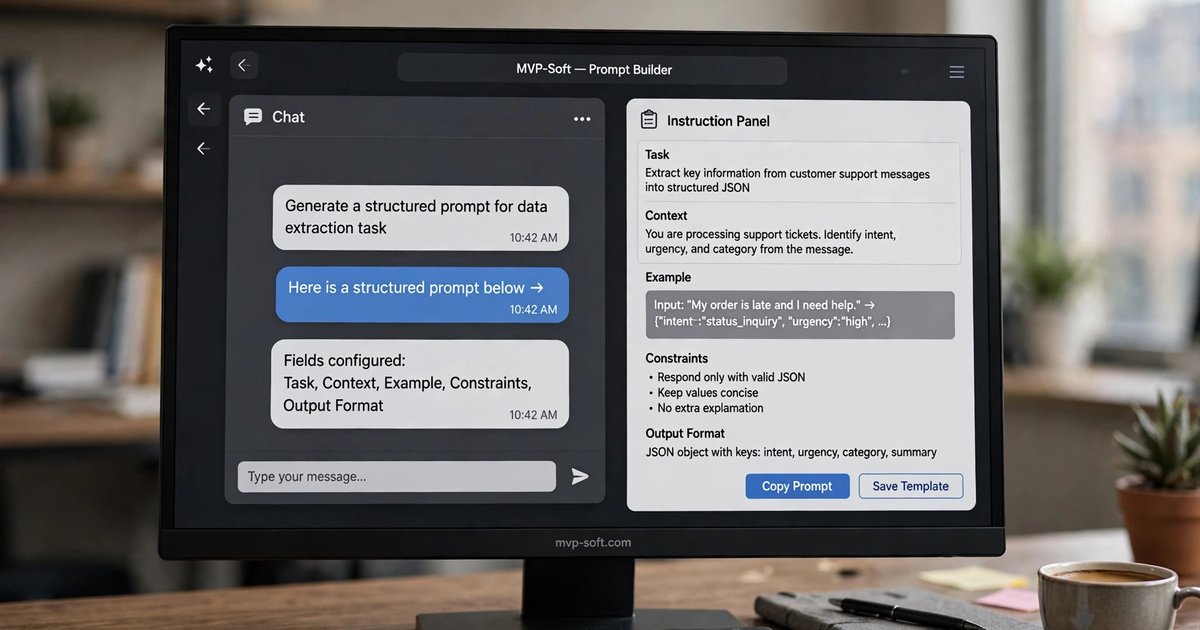
Prompting is not typing a question into a box. It is giving an instruction with five parts: the task, the context, an example, the constraints and the output shape. This opening part explains why the same AI tool gives one person gold and another person mush.
- PR-02: Prompting, Step by Step
A working method in five moves: brief, context, example, format, check. One ordinary task, a supplier email thread before a difficult call, is run through all five moves so you can see what each one changes in the result.
- PR-03: Write Prompts Like Work Instructions
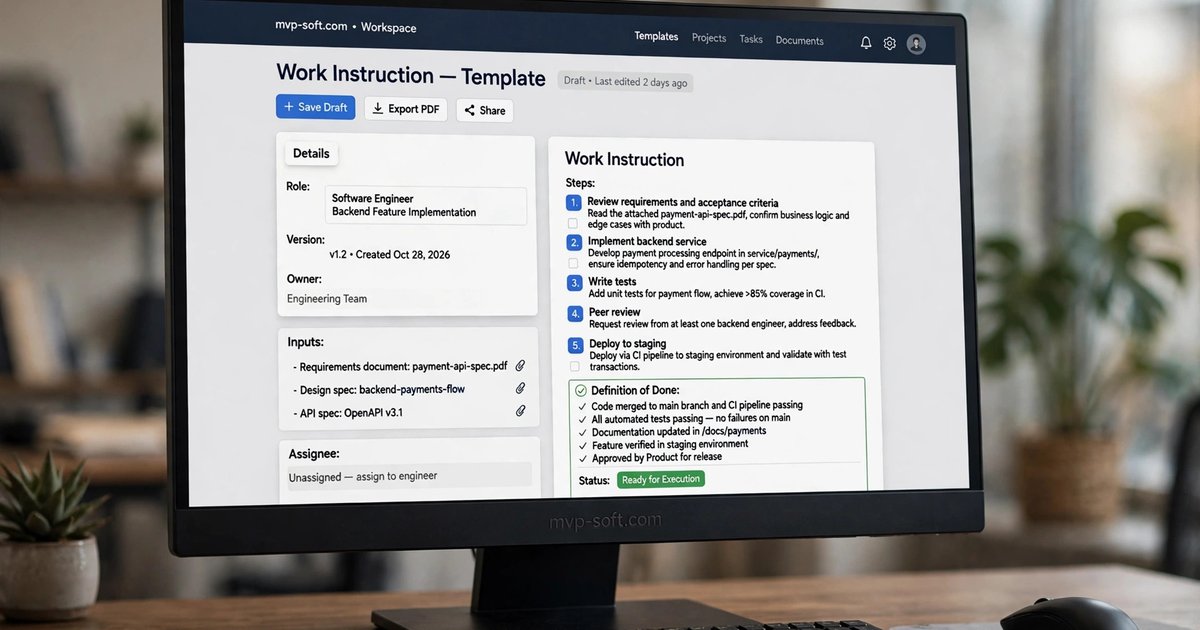
A prompt is a work instruction for a very fast, very literal new hire. This part shows how to write one properly: role, inputs, steps, a clear definition of done, and an explicit instruction for what to do when unsure.
- PR-04: Prompting at Work: Email, Reports and Meeting Notes
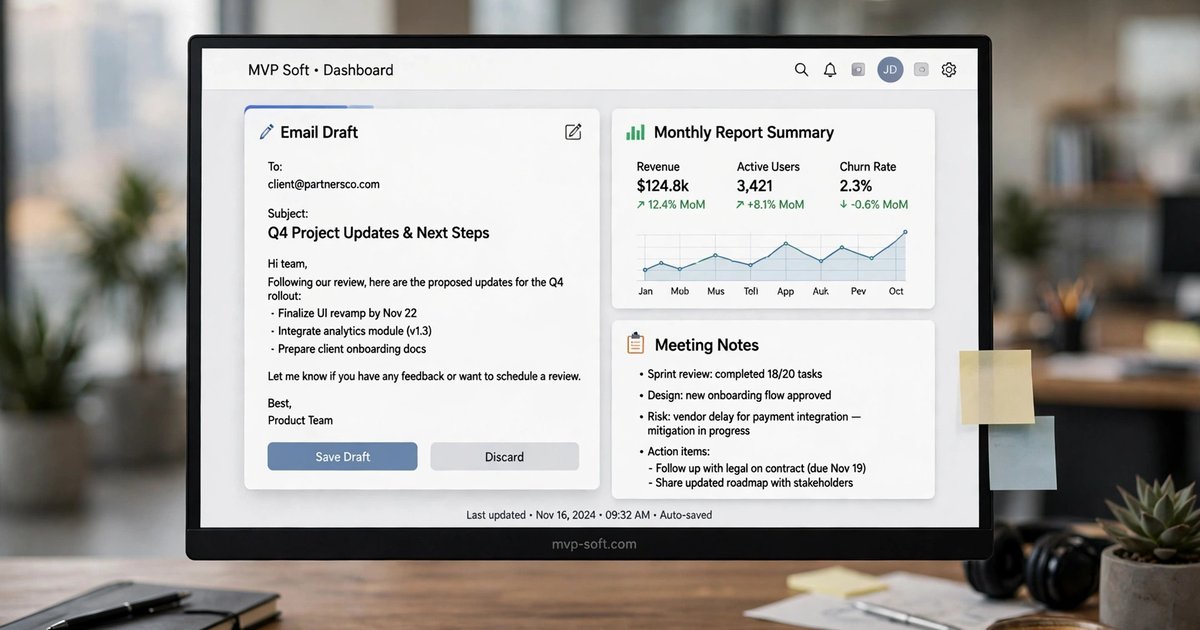
Three everyday tasks shown twice, weak prompt first and then the same prompt written properly: a difficult customer email, a monthly report summary, and raw meeting notes. The difference in the output is the difference the instruction makes.
- PR-05: When a Better Prompt Will Not Save You
The honest limits of prompting: the AI cannot invent facts it cannot see, cannot read your files, and cannot fix a broken process. This is where RAG enters, the next step in the chain, which lets the AI answer from your own documents instead of its memory.
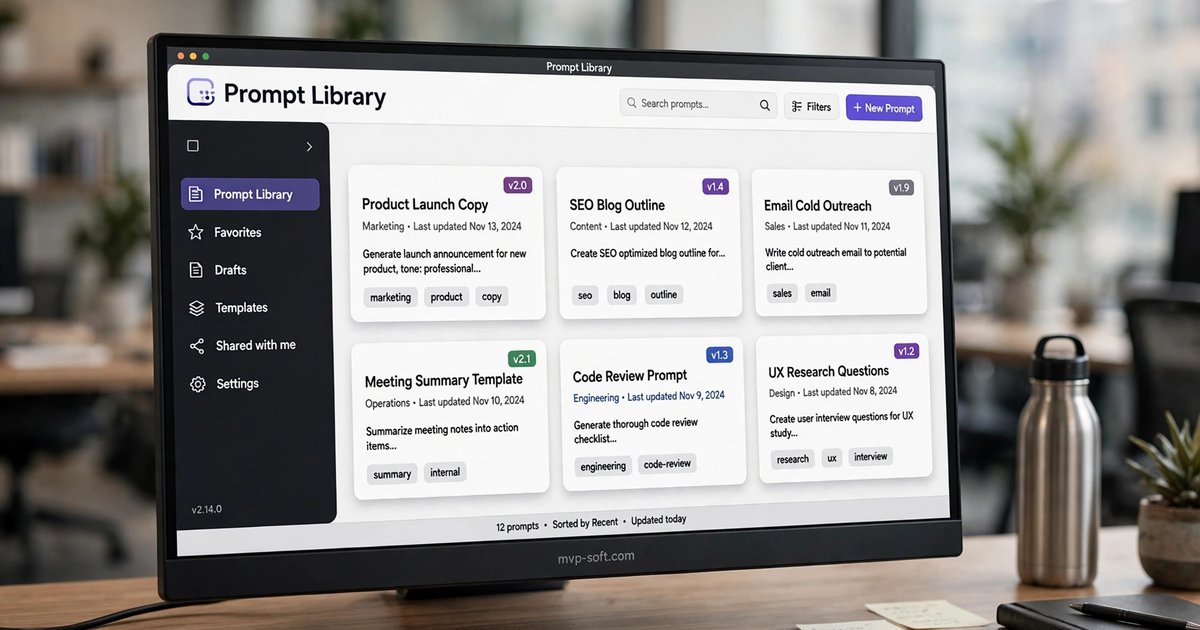
- PR-06: Prompts Are Company Assets
A good prompt locked in one person's chat history is knowledge in one head. This closing part covers prompt libraries, templates, versioning and ownership, and points forward to agents, where a saved prompt starts taking steps on its own.