- PR-01: What Is Prompting? The Instruction Behind the Answer
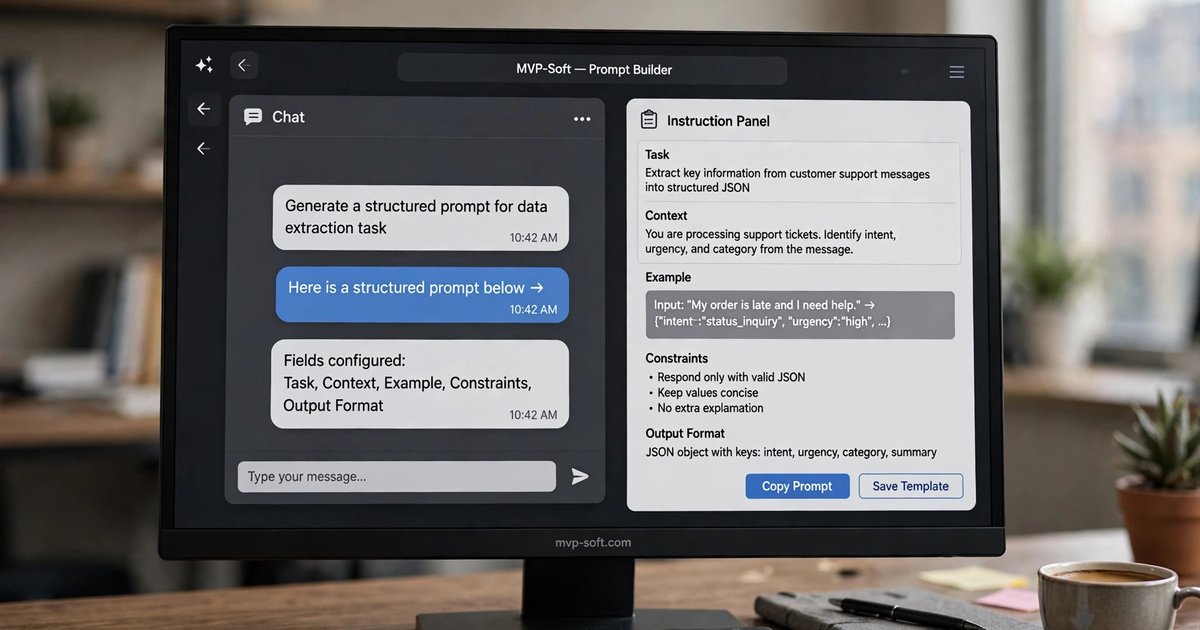
Prompting is not typing a question into a box. It is giving an instruction with five parts: the task, the context, an example, the constraints and the output shape. This opening part explains why the same AI tool gives one person gold and another person mush.
- PR-02: Prompting, Step by Step
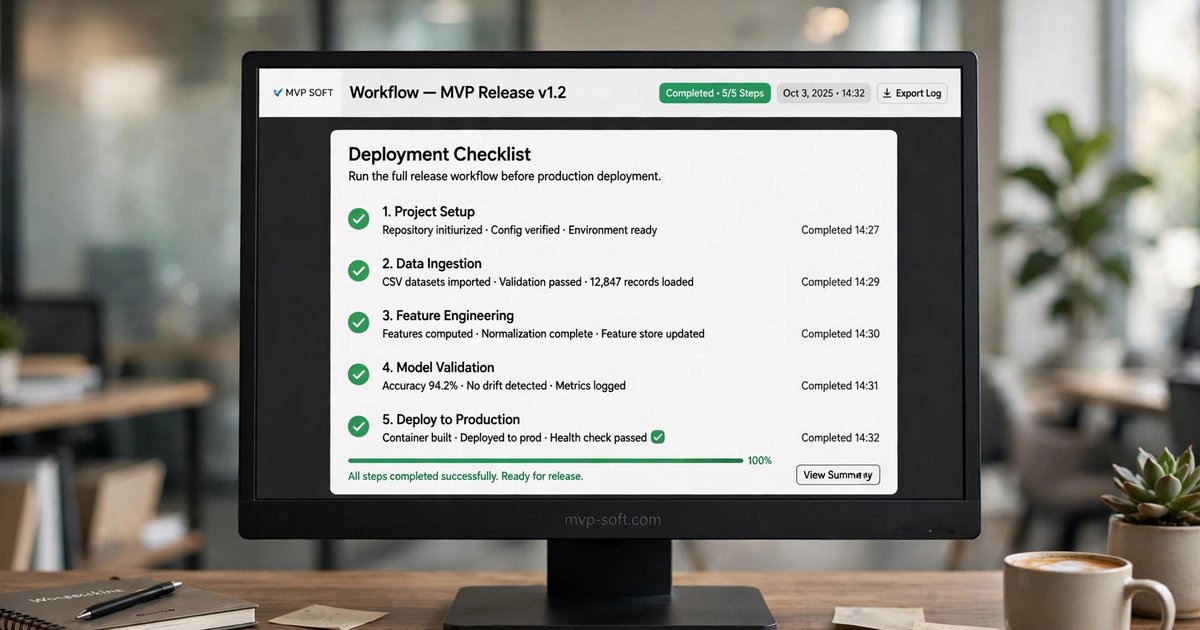
A working method in five moves: brief, context, example, format, check. One ordinary task, a supplier email thread before a difficult call, is run through all five moves so you can see what each one changes in the result.
- PR-03: Write Prompts Like Work Instructions
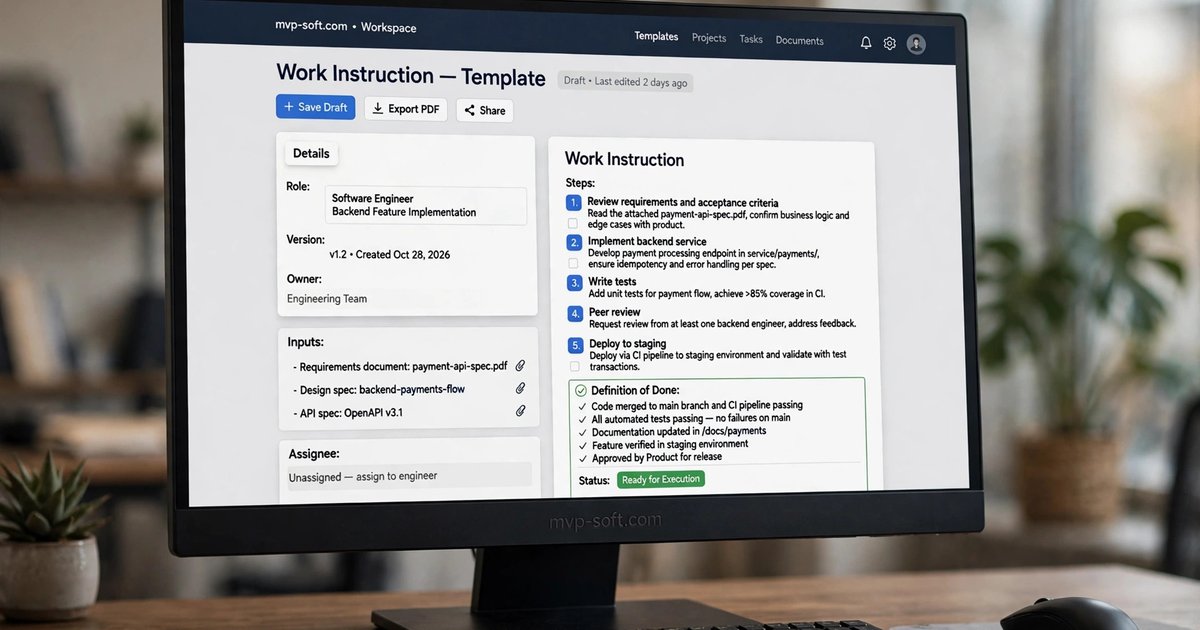
A prompt is a work instruction for a very fast, very literal new hire. This part shows how to write one properly: role, inputs, steps, a clear definition of done, and an explicit instruction for what to do when unsure.
The Bridge
/ Technology & AI
PR-06: Prompts Are Company Assets
Part 6 of the Prompting series. The last step of this series is not about writing a better prompt. It is about what happens to the good ones you have already written, and where the whole chain goes next.
The prompt that lives in one chat window
Every company adopting AI grows the same hidden asset by accident. One person figures out the instruction that turns meeting notes into decisions and actions. Another builds the prompt that checks an invoice against a quote. A third has the one that writes the weekly brief exactly the way the owner wants it.
Then the first person goes on holiday, changes roles, or simply starts a fresh chat, and the asset is gone. The company does not lose a document. It loses a way of working that somebody had already built and tested, because it only ever existed inside one person's conversation history.
You have seen this film before, with spreadsheets, with procedures, with the one employee who knows how the filing is organized. Knowledge locked in one head is a risk in every other part of the business. Prompts are no different.
Treat prompts like the assets they are
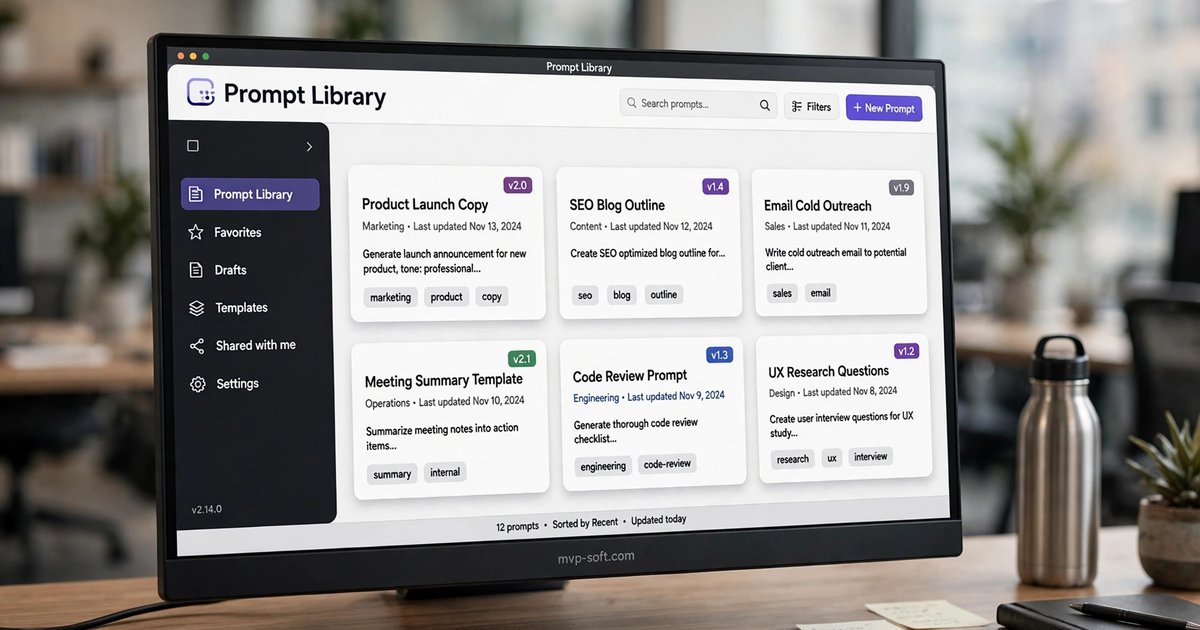
Keep a library. One shared place where the working prompts live, organized by the job they do: reports, meetings, quotes, customer email. Not a folder of screenshots, the actual text, ready to paste.
Write them as templates. The instructions from Part 3 travel well when the changing parts are marked: paste the document here, name the reader here, set the date here. A template turns one person's good prompt into everyone's starting point.
Version them. Prompts improve by correction, the same way procedures do. When someone finds a better check or a missing constraint, update the shared copy and note what changed and why. The worst version of a prompt library is five private copies drifting apart.
Give them an owner. Somebody is responsible for each important prompt staying correct as the business changes: new products, new policy, new format. An unowned template quietly goes stale, and stale instructions produce confident, outdated work.
Why this is the bridge to agents
A saved prompt is a set of instructions waiting for a person to run it. The natural next question is what happens when the system starts running those instructions itself: watching for the new document, doing the steps, bringing you the result for a check. That is an agent, and it is the third step in the agentic workflow this series belongs to.
That is also why the order of the chain matters. Prompting taught the instruction. RAG gave the instruction your documents to work from. Agents, the subject of the next series, put the two together and let the work move on its own, inside limits a person sets and checks.
If your team takes one thing from these six parts, make it this: write the instruction properly, save it where the company can find it, and keep it current. Everything in the steps that follow is built on prompts that were treated that way.
Try this first
Free operational clarity check
Ten questions about how work actually moves through your operation. No call, no slide deck.
Talk to us
Talk to Us
If you want a second opinion on a specific decision, that conversation is free.
Related